WebChat

The main idea of this feature is the communication between customers and call center company through an online chat.That by the call center company will need to configure certain factors

Campaign Settings

Here Webchat campaigns will be created.

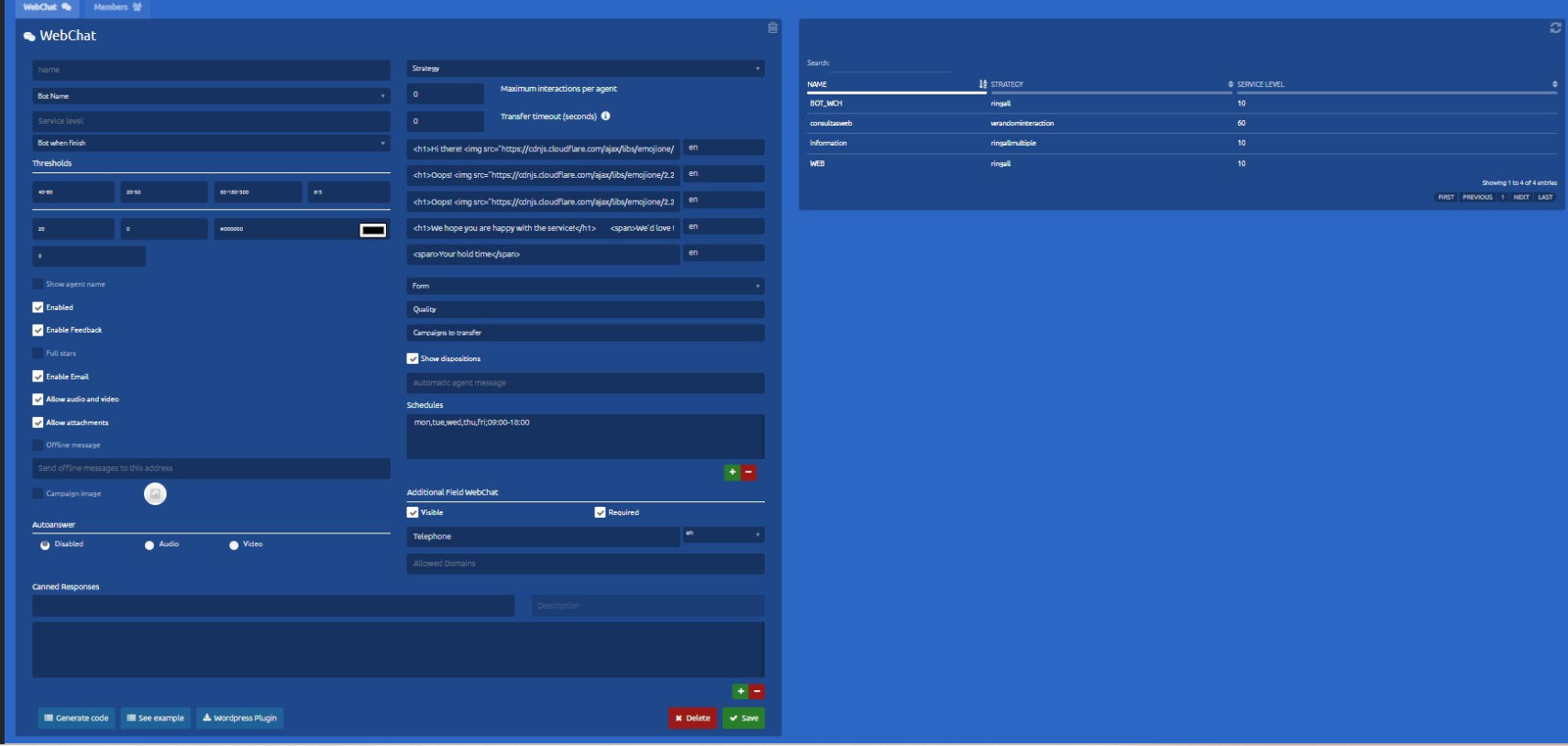
The configuration screen looks like the following:

image-1674580606424.png

Basic Configuration


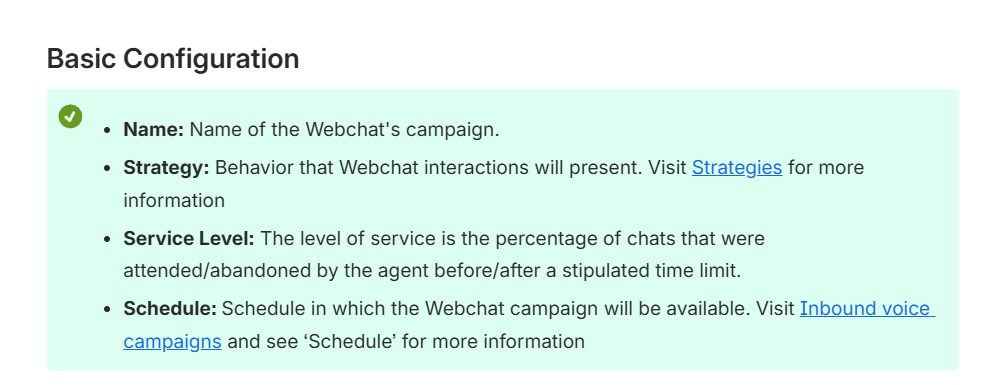
  • Name: Name of the Webchat's campaign.

  • Strategy: Behavior that Webchat interactions will present. Visit Strategies for more information

  • Service Level: The level of service is the percentage of chats that were attended/abandoned by the agent before/after a stipulated time limit.

  • Schedule: Schedule in which the Webchat campaign will be available. Visit Inbound voice campaigns and see ‘Schedule’ for more information

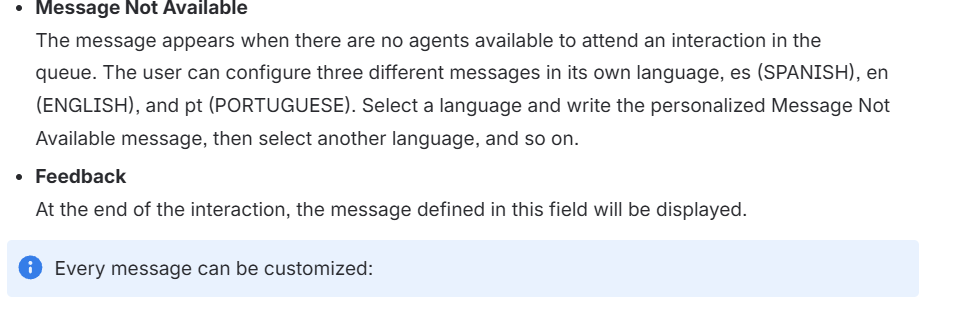
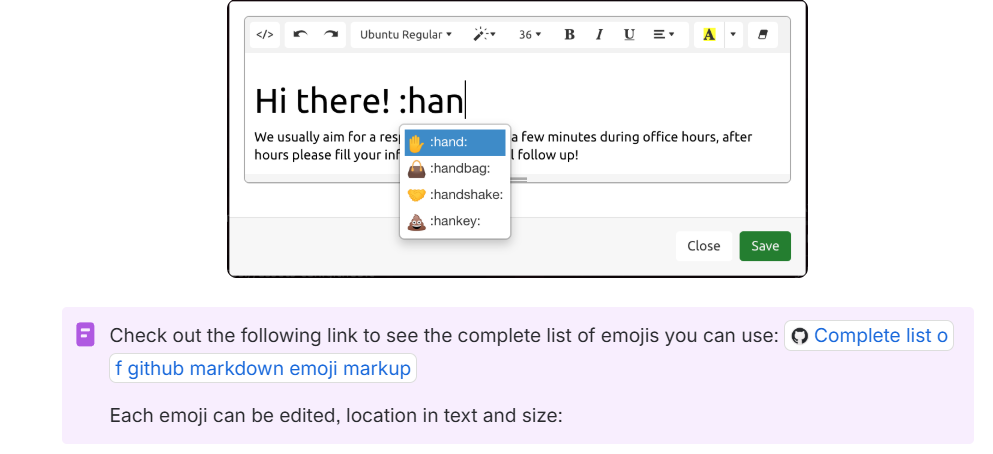
Every message can be customized:

image-1674580667608.png

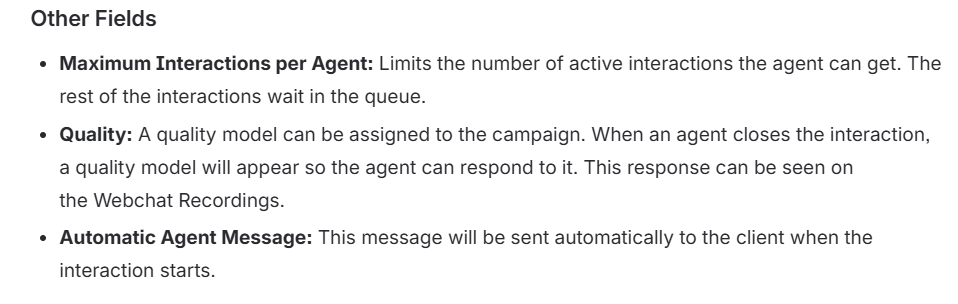
Other Fields


Thresholds Section

These metrics to campaign statistics in real-time are measured in time (seconds).

If Time Out is defined as cero, meaning it won't have a maximum time defined for chats waiting, when the campaigns gets to its Out of Time hour, every client on the waiting queue will be notified that the campaign is out of time and the interactions will be closed.


Checks Section


Telephone Field Webchat

When the client starts filling in the information to start an interaction, an extra field can be configured here.

For example, ask for the client's telephone number, ID number, or other information needed.

This one can be set as Required or optional.

Set it as Visible to activate it.

image-1674580695439.png

Under this field we can see the Allowed Domains field, in there we can specify the domain where the webchat is working.


Canned Responses

These are answers that the supervisor configured for agents to have quick access to frequently used messages in order to make their work more effective.

image-1674580716380.png


image-1674580747704.png

Webchat Members

To add or remove agents to campaigns what you do is press the tab Members

image-1674580768898.png

Members added to a campaign must be part of a voice campaign, on the contrary, this agents wont get any interactions from this channel.

Members in Webchat Campaigns are added in the same way as in Voice Campaigns


Revision #1
Created 24 January 2023 17:16:07 by Alejandra Vega
Updated 24 January 2023 17:39:24 by Alejandra Vega