
Agent
This section shows the Webchat interaction from the agent profile.
Interaction View
The agent will have access to different interactions in their inbox and will be able to search for them by campaign name or user name.
When an interaction is opened, it expands on the right side of the screen, displaying the conversation and customer information at the top.
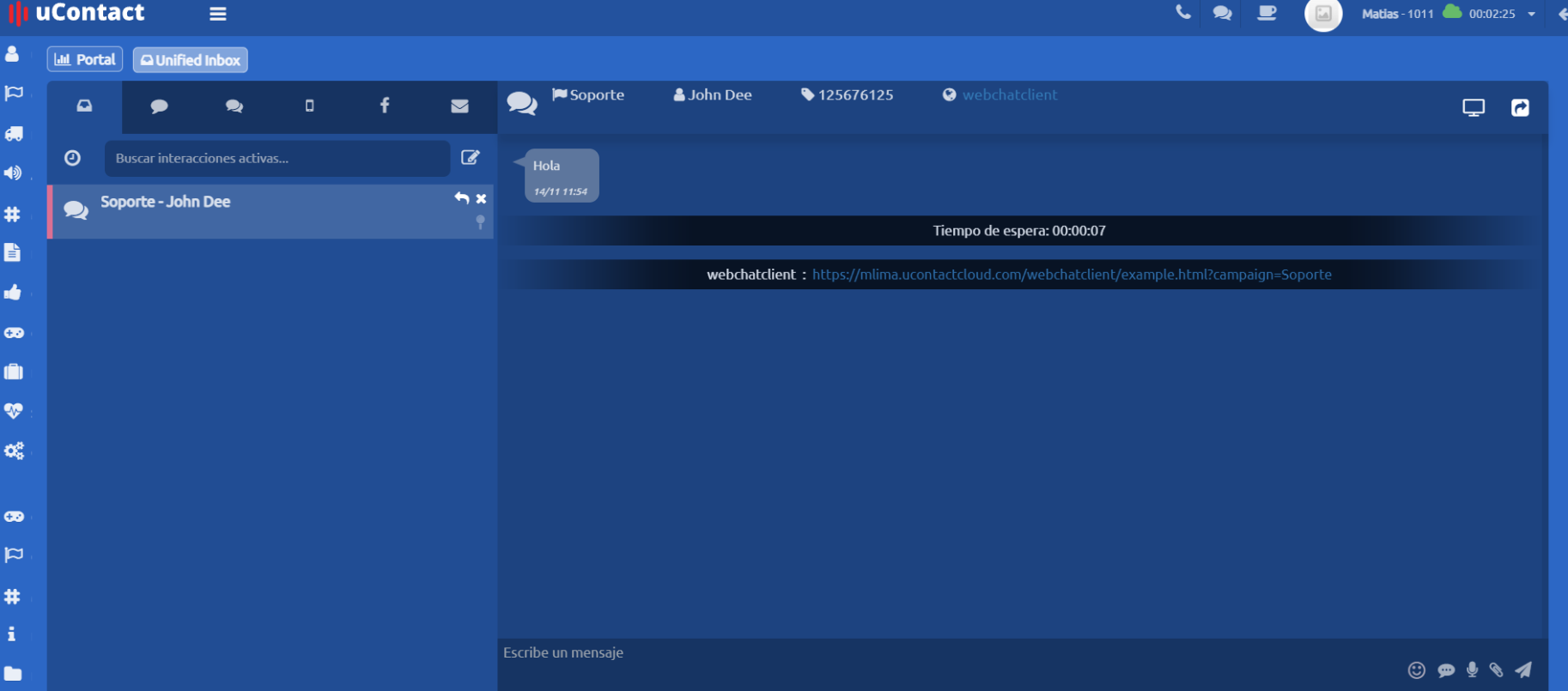
- Webchat Campaign Name
- Contact Phone Number
- Contact Name
- Contact Email
At the beginning of the conversation, the customer’s waiting time is displayed, showing the time elapsed from when the message was sent until the interaction was answered by an agent.